Wallet and payments
Wallet and bid deposit
Your SatsBid wallet in US dollars, its Credit and Sales balances, top-ups in USDT, BTC or XMR, and the $10 refundable bid deposit.
On this page
Two balances in US dollars#
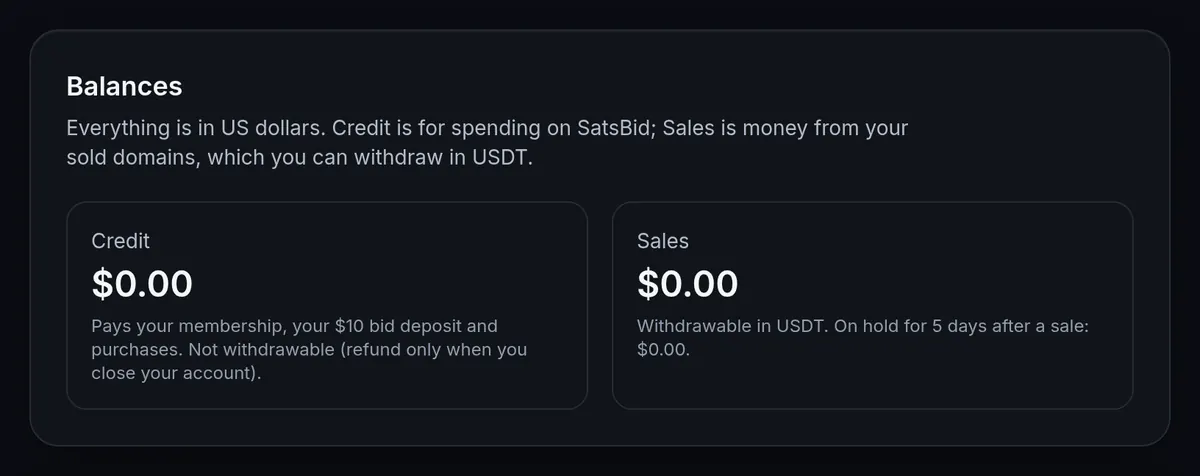
Open Account → Wallet. Your wallet has two separate balances, both in US dollars:
| Balance | Where the money comes from | What it is for |
|---|---|---|
| Credit | Your top-ups | Membership, the bid deposit, purchases (auction wins and Buy Now) |
| Sales | Money from your completed sales | Withdrawals to your own USDT address (Payouts) |
Credit cannot be withdrawn as cash; it is spent on SatsBid. It is refunded only when you close your account (see below).
Topping up#
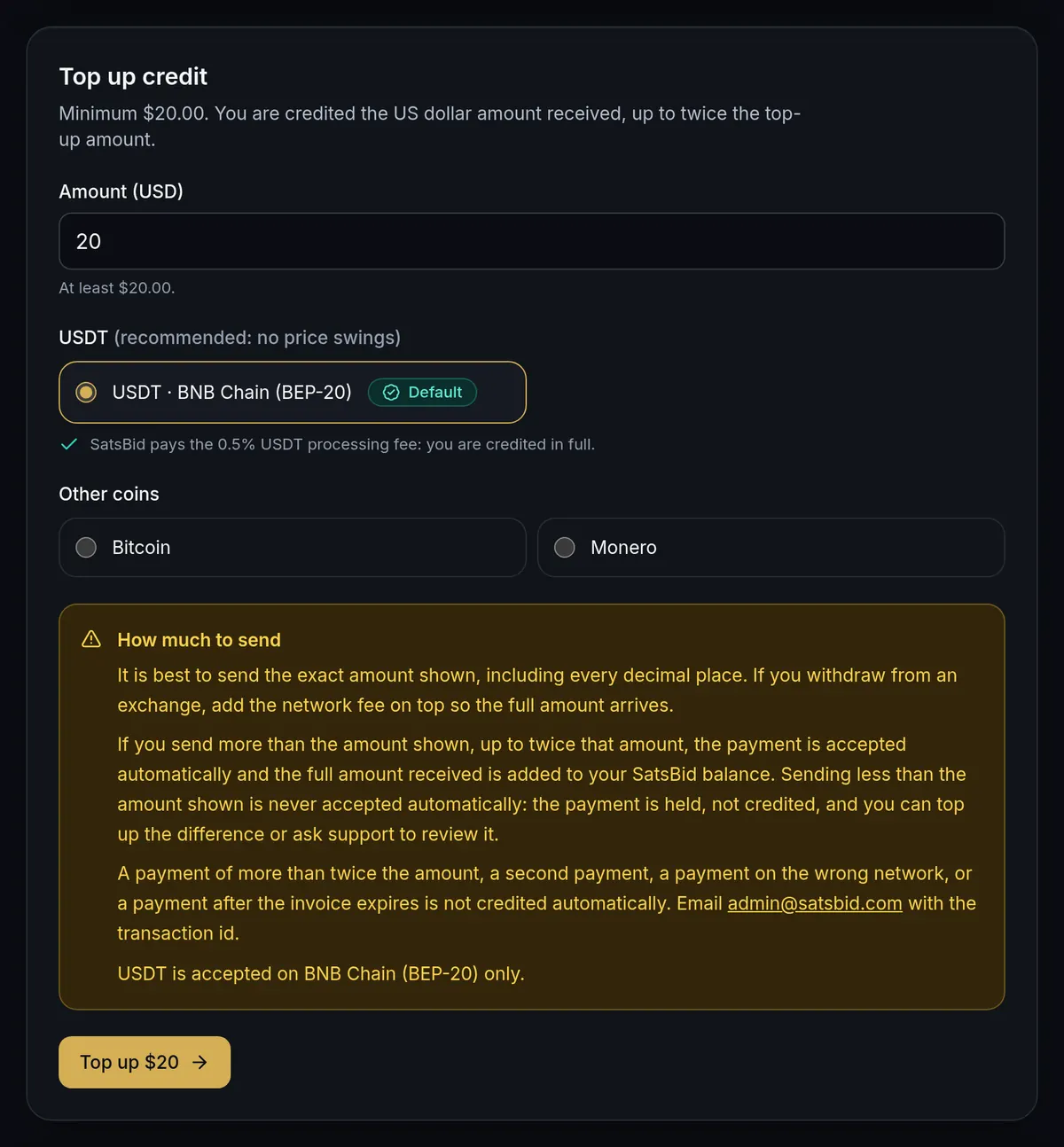
- In the wallet, choose Top up, enter a dollar amount (at least $20) and pick a coin.
- Pay the invoice in USDT (recommended, no price swings), Bitcoin or Monero.
- Once the payment is confirmed, the dollar amount received is added to your Credit. If you send more than the invoice, up to twice that amount, the full amount received is credited.
USDT is accepted on BNB Chain (BEP-20) only. Make sure you send on that network, as shown on the invoice. The payment provider's 0.5% USDT fee is paid by SatsBid, not by you. You can have up to 3 open top-up invoices at a time.
It is best to send the exact amount shown. If you withdraw from an exchange, add the network fee on top so the full amount arrives.
If a top-up arrives short or late, it is held, never lost and never added to your credit automatically. You can top up the difference (this is exempt from the minimum) and both amounts are then credited, or our team credits or refunds it after review. A payment of more than twice the invoice, a second payment, the wrong network, or a payment after expiry is not credited automatically — email admin@satsbid.com with the transaction id.
The bid deposit#
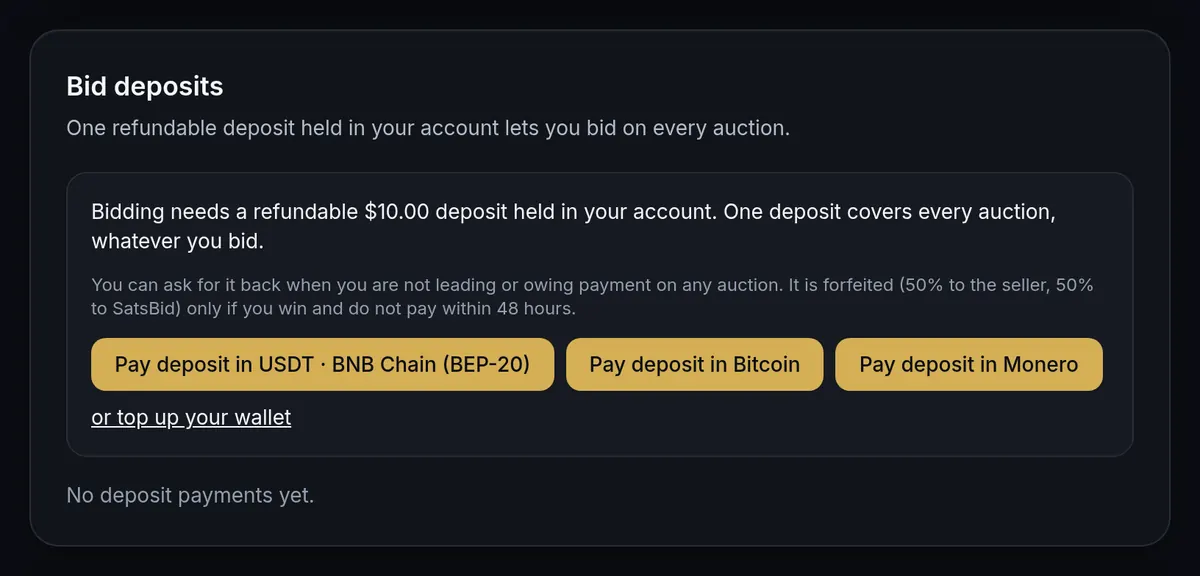
To bid on any auction you need an active membership and one refundable $10 deposit held in your account.
- One deposit covers every auction, whatever amount you bid. There is no bid limit.
- Pay it from your Credit balance or with its own crypto invoice, from Account → Bidding.
- It stays held between auctions. It is not a fee.
- You can ask for it back when you are not the high bidder on a running auction, owe no payment and have no open second-chance offer.
- When you win, you may choose to apply it to the price; otherwise it stays held.
- If you win and do not pay, it is forfeited: 50% goes to the seller as compensation and 50% to SatsBid. See Winning and checkout.
Closing your account and credit refunds#
When you close your account, remaining Credit is refunded in USDT to an address you confirm, if:
- you have no reserved credit, no Sales balance and no pending withdrawal;
- at least 30 days have passed since your last top-up;
- the refund is at least $50. A 5% processing fee plus the network fee is deducted.
Once the refund is sent, the account is closed.
Last updated: November 26, 2026