Buying
Make Offer
Negotiate the price of a premium listing with offers and counter-offers, on listings where the seller accepts offers.
On this page
When offers are available#
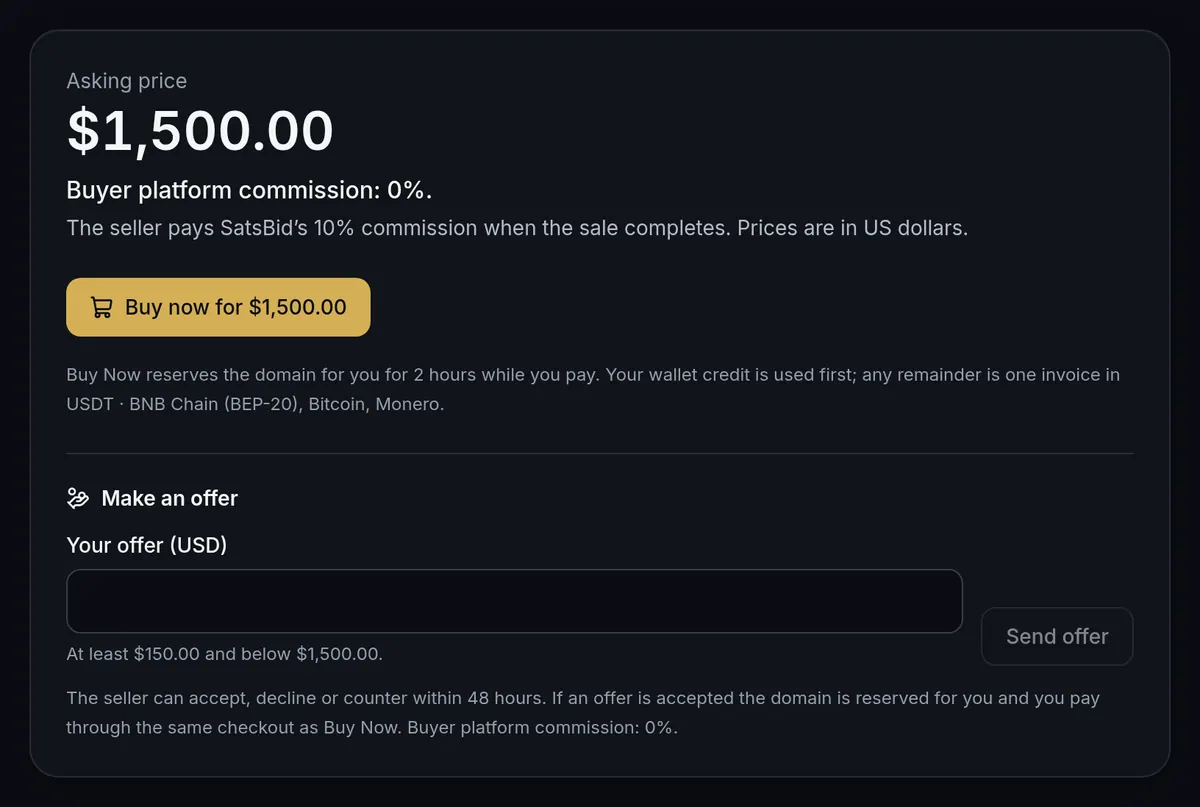
Make Offer is switched on. It appears on a premium listing when the seller has chosen to accept offers on it: such listings show an Offers badge and a Make an offer box under the Buy Now button.
Making an offer#
No membership is needed to make an offer. A signed-in account is enough.
- On the listing page, enter your offer in US dollars. The page shows the lowest offer allowed.
- The seller has 48 hours to accept, decline or counter. Each counter gives the other side 48 hours to answer.
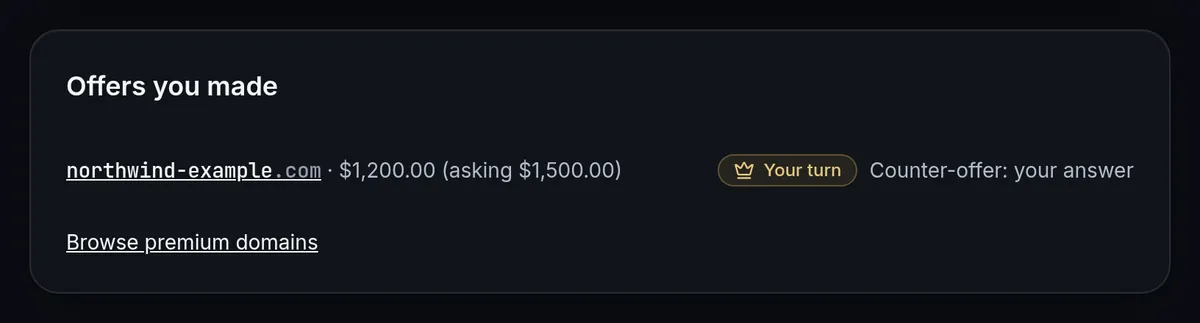
- Follow everything at Account → Offers. Offers that need your answer are marked "Your turn".
Rules#
- An offer must be at least 10% of the asking price and never below $20. The seller may also set a private minimum; lower offers are refused.
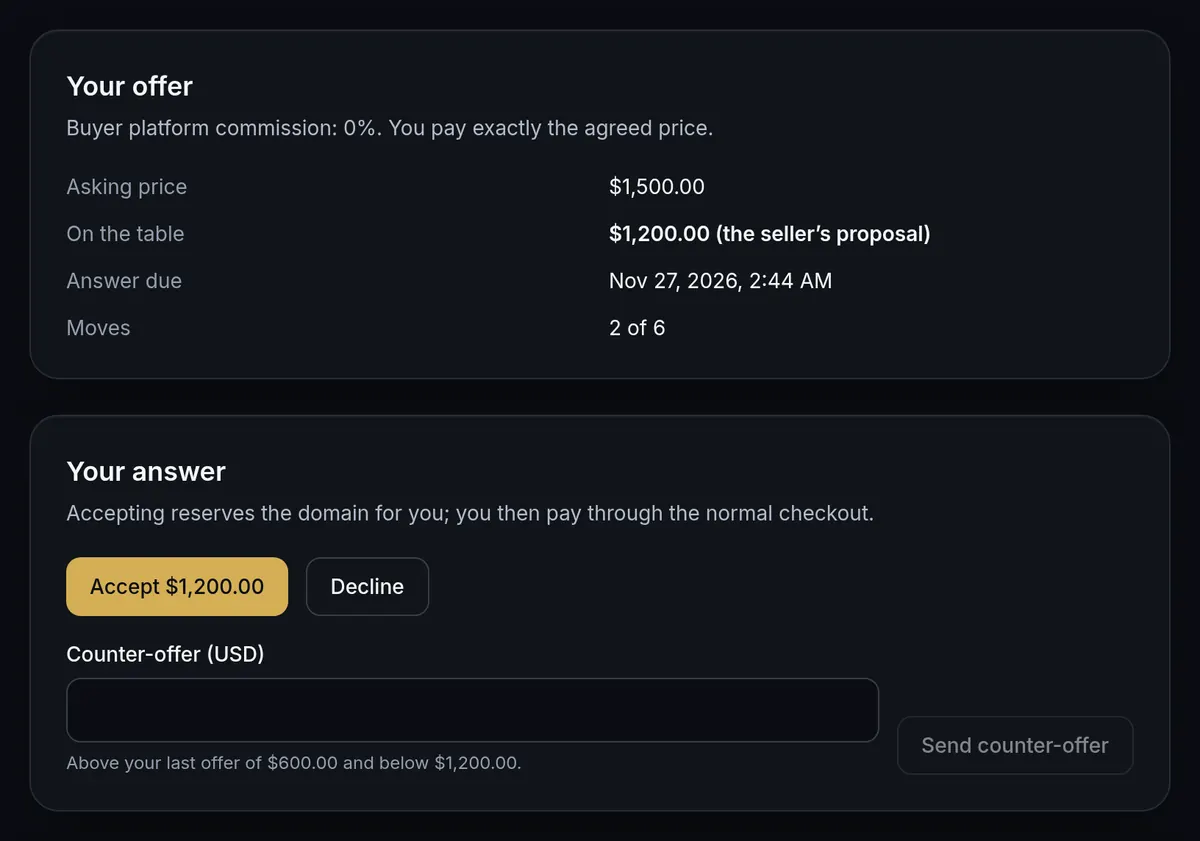
- Counter-offers converge: the buyer's go up and the seller's go down, always between the two last amounts and below the asking price.
- At most 6 moves (the offer plus counters). After that, only accept or decline.
- One open offer per listing, and up to 5 open offers in total. After a seller declines, you wait 24 hours before offering again on that listing.
- The seller never sees your email address.
Answering a counter-offer#
When the other side counters, the offer is marked "Your turn" in Account → Offers. Open it to see the asking price, the amount on the table, the deadline and the moves used (for example 2 of 6). Choose Accept, Decline or send a counter-offer between the two last amounts. Sellers answer offers on their listings in the same way.
When an offer is accepted#
The listing is reserved for the buyer at the agreed price for 2 hours, exactly like Buy Now: pay, receive the domain, then the holding period. If the seller lowered the asking price below the agreed amount, you pay the lower price. Other open offers on the listing are closed with an email when the domain sells.
Last updated: November 26, 2026